← Help centreGetting started & setup
Create your account and company
Sign up, complete onboarding, and open the portal for the first time.
3 min read
Anyone can start on the Free plan. After sign-up you create your first company (organization), then land in the portal dashboard.
Steps
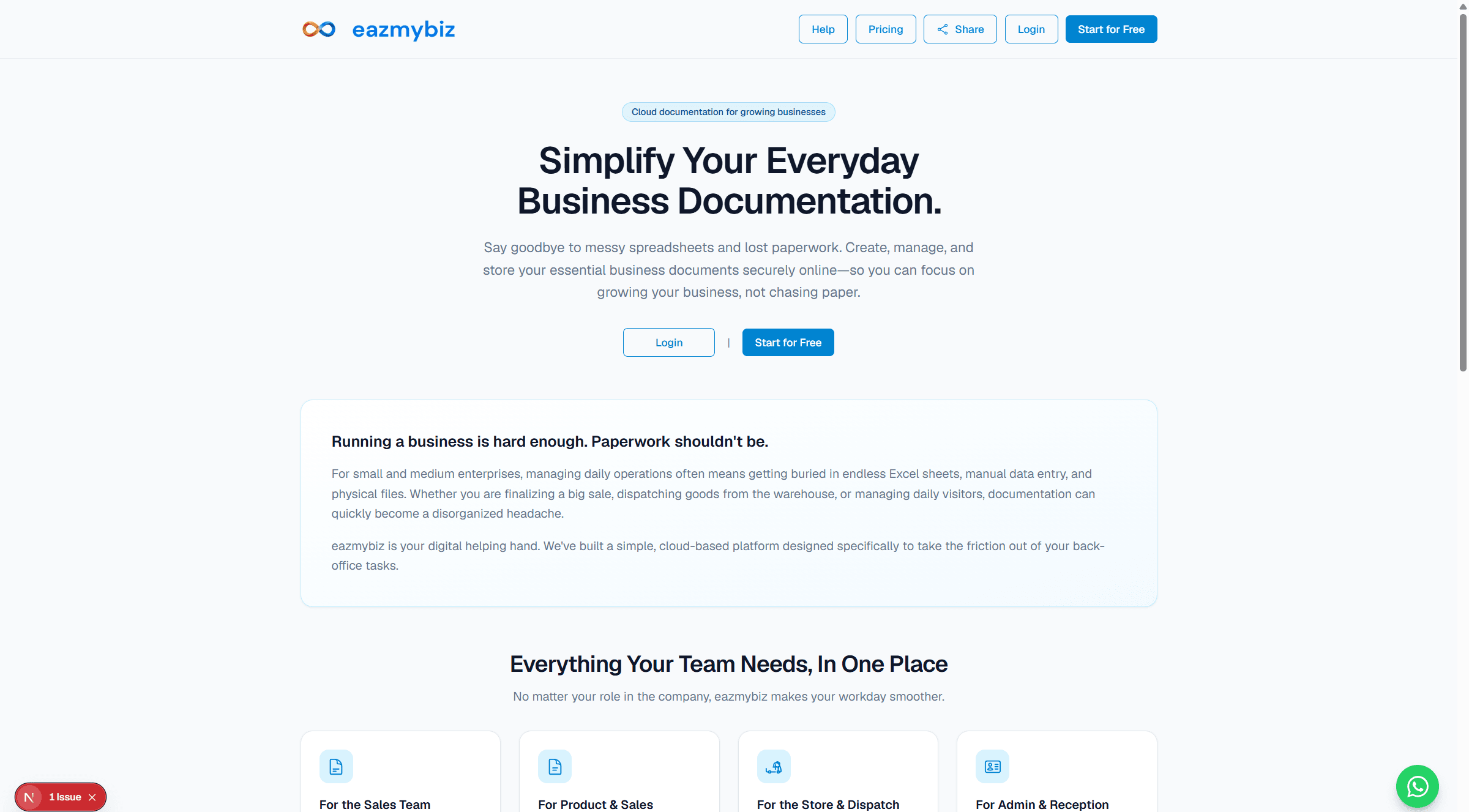
- Open Start for Free (or Sign up from the home page).
- Enter your Email, Choose password, and Retype password. Complete Human verification if shown, then click Sign up.
- Confirm your email if prompted, then continue to onboarding (Your Organization).
- Enter Company / Firm Name and Country / region, then Continue to complete company profile.
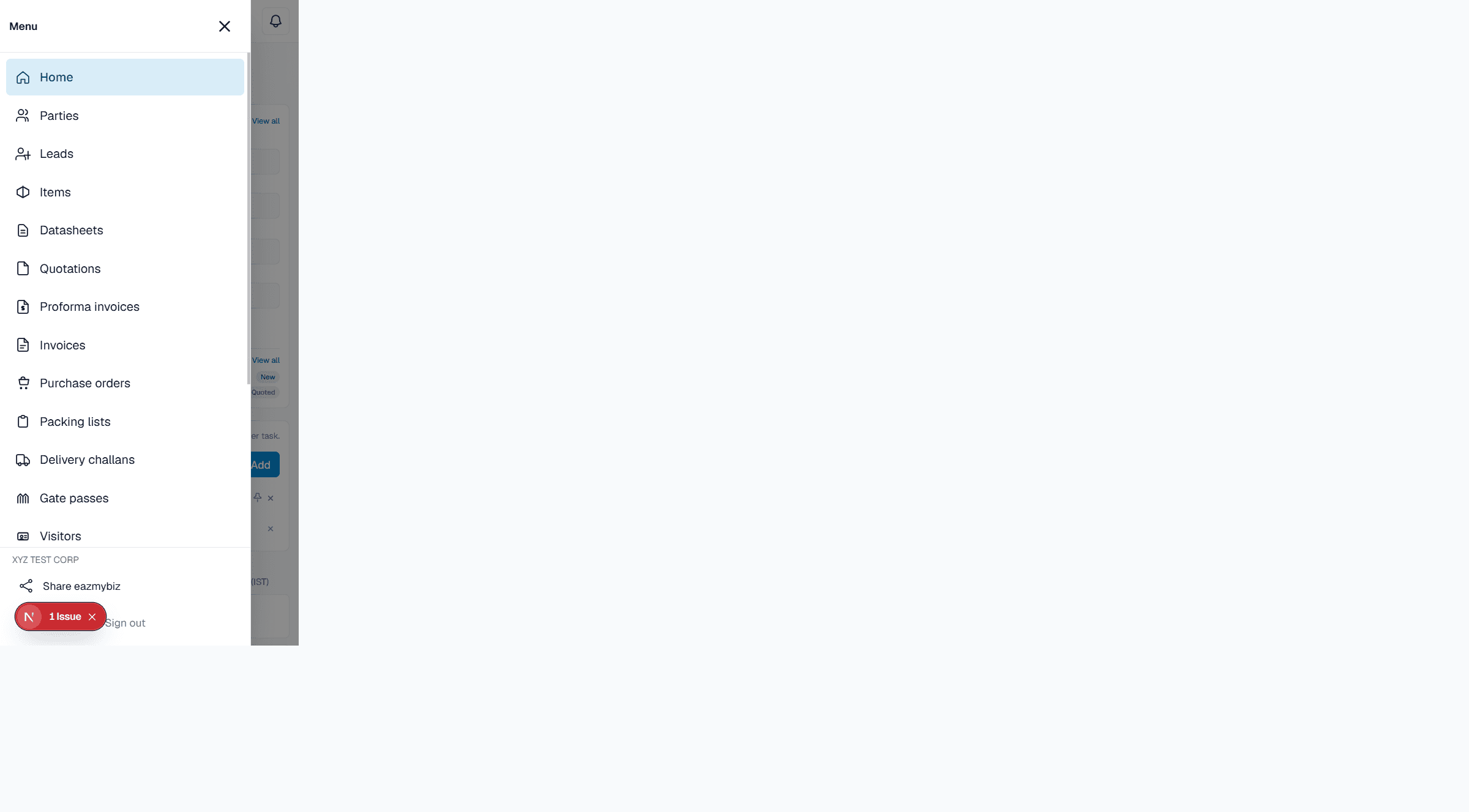
- You arrive at Home after saving. Use the sidebar (desktop) or menu (mobile) to open modules.
After first login
- Optionally install eazmybiz as an app on your computer or phone — see Use eazmybiz as an app.
- Complete company profile (logo, address, bank) before issuing customer PDFs.
- Optionally invite a teammate (Free allows up to 2 users).