← Help centreBilling
Upgrade from Free to Pro or Max
Pay on the website checkout and activate your paid plan.
4 min read
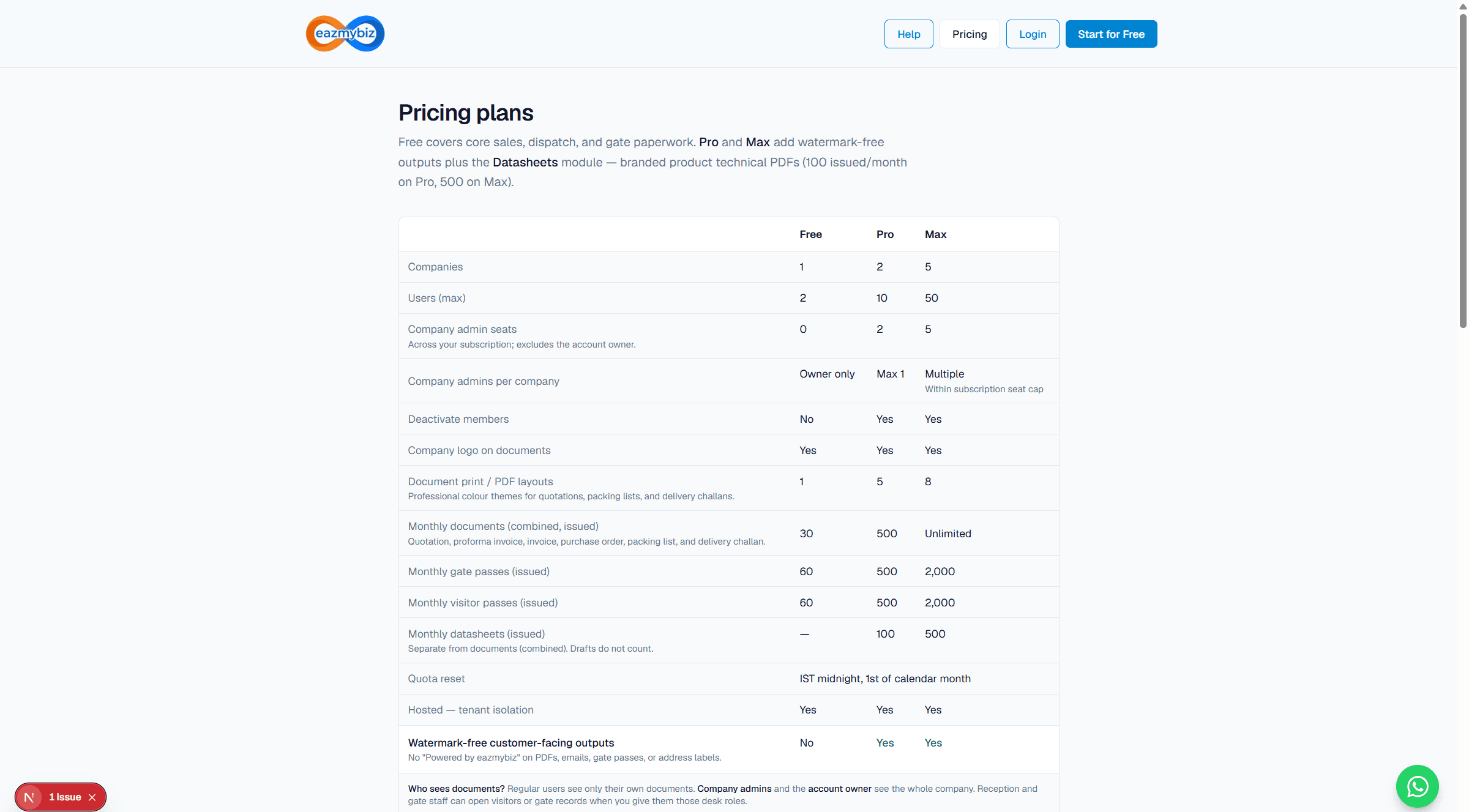
Upgrade from Free to Pro or Max inside the portal. Public Pricing shows plan comparison; checkout runs after you sign in as the billing owner.
Steps
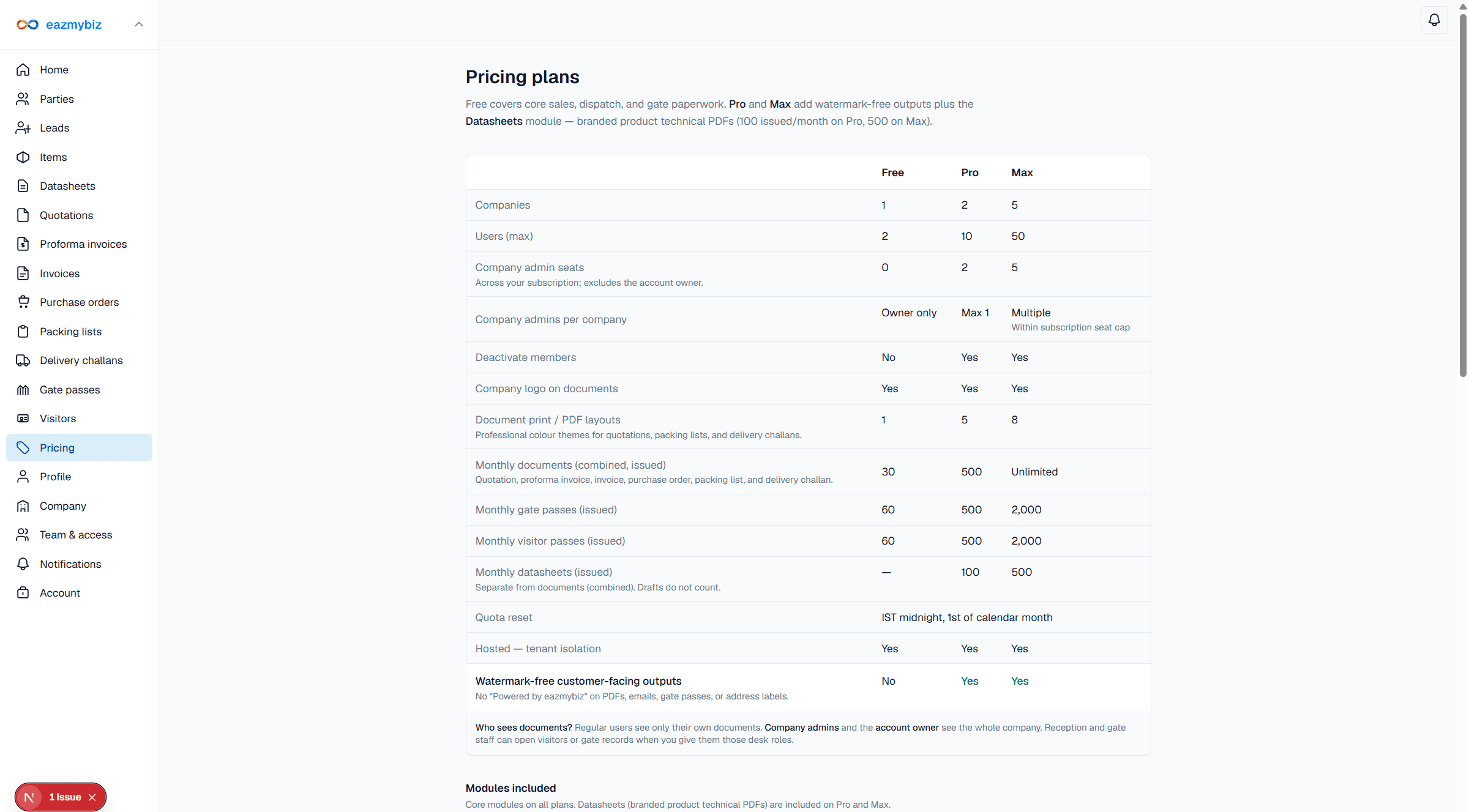
- Sign in, then open Pricing in the sidebar (
/settings/pricing). Company admins and the account owner can open this page; only the subscription billing owner can complete payment. - Review Pro vs Max limits (companies, users, quotas, datasheets, watermark-free outputs).
- Choose Upgrade to Pro or Upgrade to Max. India (INR) checkout includes GST; international (USD) follows your company's billing region.
- Confirm the amount, then pay through the secure payment window (Cashfree for INR, Razorpay for USD).
- After success you return to Pricing with a confirmation banner. Your plan activates for 365 days from activation. Datasheets and higher quotas unlock immediately.