
← Help centreDocuments & masters
Create and issue a datasheet
Pro/Max: branded product specification PDFs from draft to issue.
6 min read
Datasheets (Pro / Max only) produce branded multi-page A4 technical PDFs: photos, specs, drawings, and manuals. Free users do not see the module; after downgrade, existing sheets are view / download only.
Steps
- Open Datasheets → New datasheet.
- Enter product name and Part No. (type your own or auto-generate via DS numbering). Optional make; internal SKU stays off the customer PDF.
- Add optional blurb, up to 3 photos, specification groups and rows, drawings/reports, variant list, and manuals.
- Save draft. Use Print preview before first issue — edit from preview if anything looks wrong.
- Click Issue on the detail or print preview screen. You stay on print preview;Download PDF appears after issue. First issue consumes the monthly datasheets issued quota (separate from documents combined). Part No. locks after first issue; you may still edit content later. Post-issue edits are listed under Changes after issue on the datasheet detail (not on the PDF).
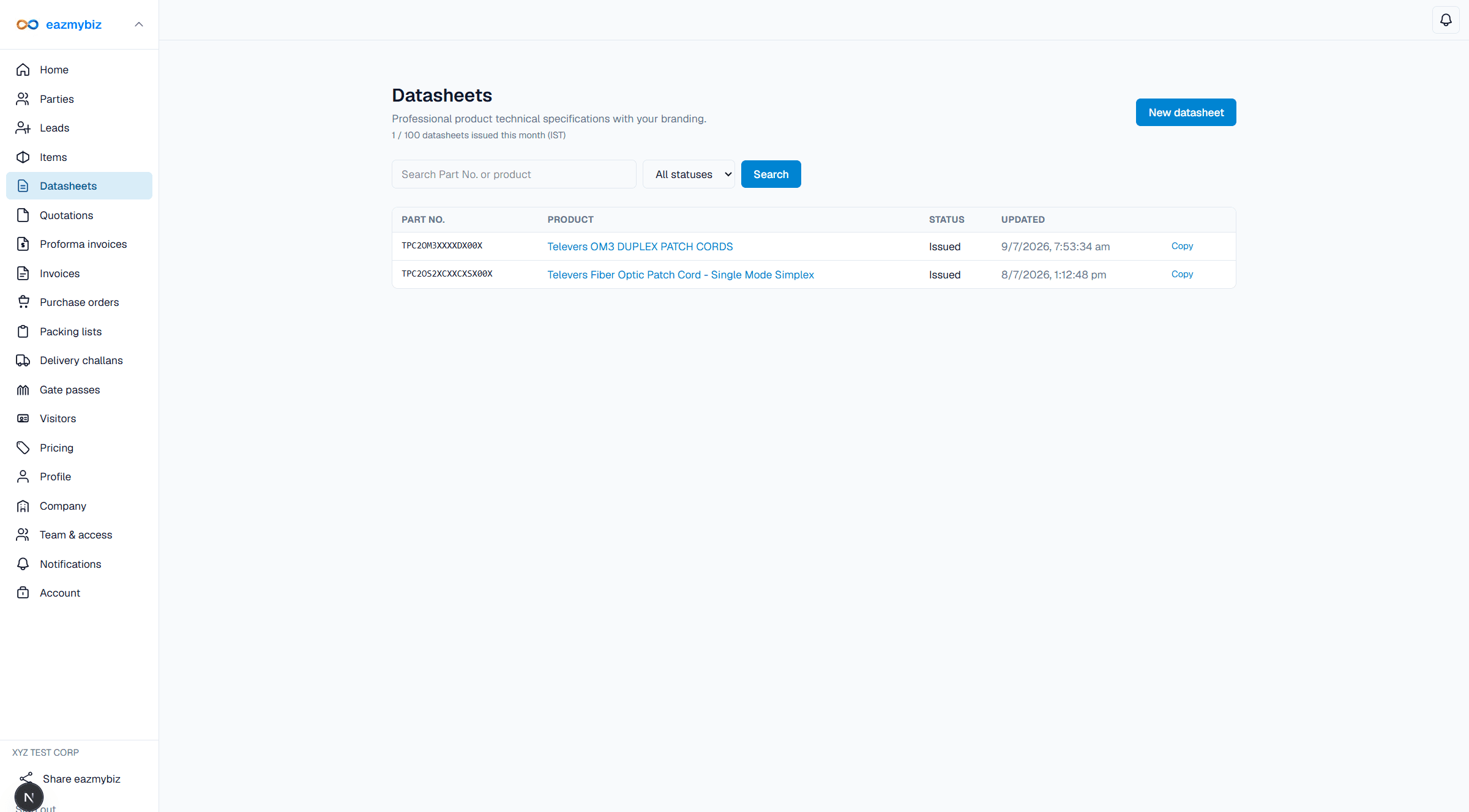
- Quotas: Pro 100 / month, Max 500 / month per company (IST).
- Datasheet PDFs are watermark-free (paid module).