← Help centreDocuments & masters
Create and issue a packing list
Build a packing list with ship-to details, then issue and print.
4 min read
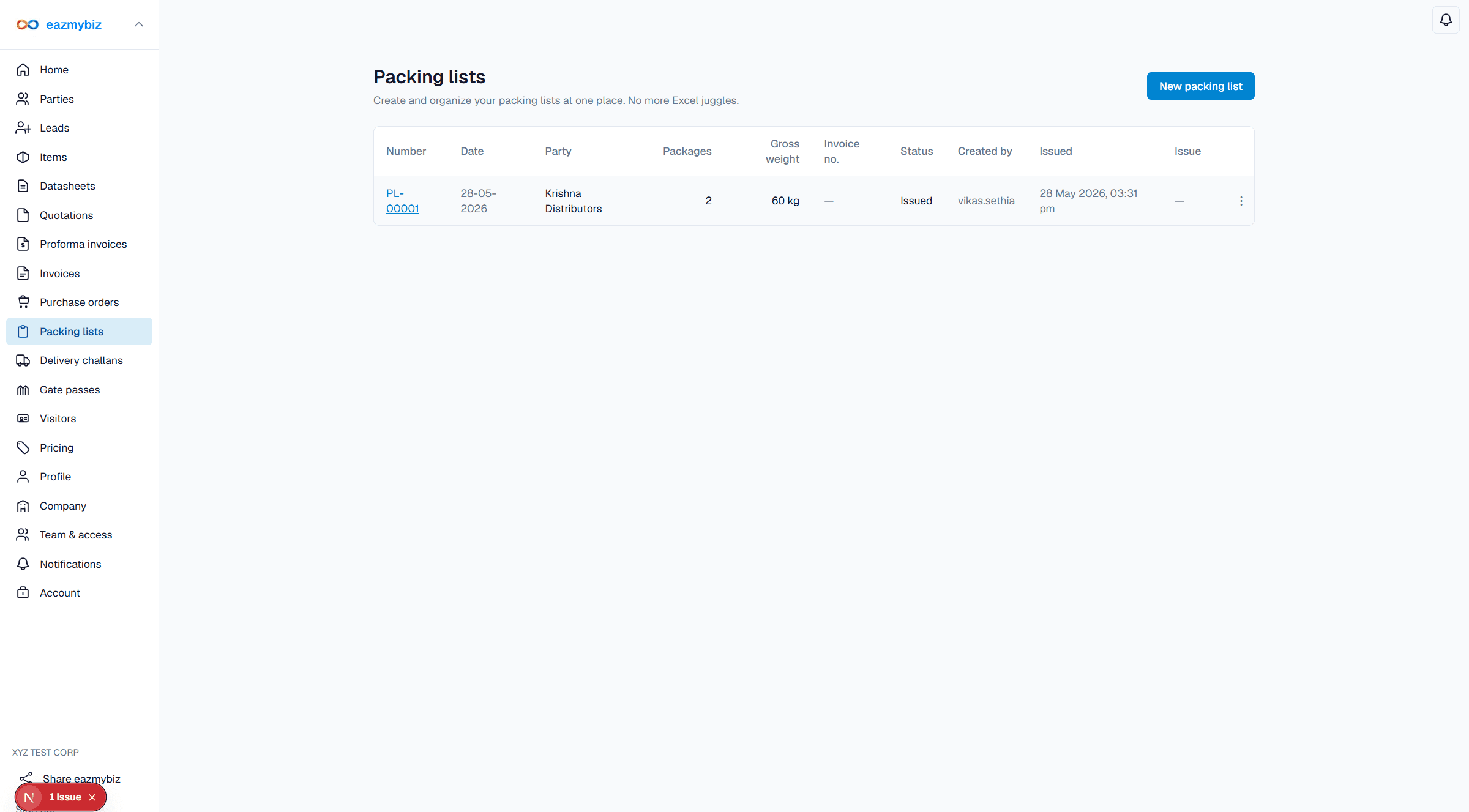
Packing lists describe what is shipping: party, ship-to, and packed line items. Issue uses the combined documents quota.
Steps
- Open Packing lists → New packing list.
- Set document date. Load or enter party details; set billing and shipping addresses (shipping can use saved party ship-to slots).
- Add packed items and quantities. Click Create draft.
- On the detail screen, Print preview, then Issue. While a packing list is still a draft, later edits use Save draft.