← Help centreDocuments & masters
Create and issue a delivery challan
Prepare a delivery challan with Bill to / Ship to, then issue.
4 min read
Delivery challans document goods movement (job work, stock transfer, e-way, and similar) with Bill to and Ship to, HSN on lines, and optional transport meta on print. They are not a Tax Invoice. GST-regular India companies see GST % on lines; other companies see Tax %.
Steps
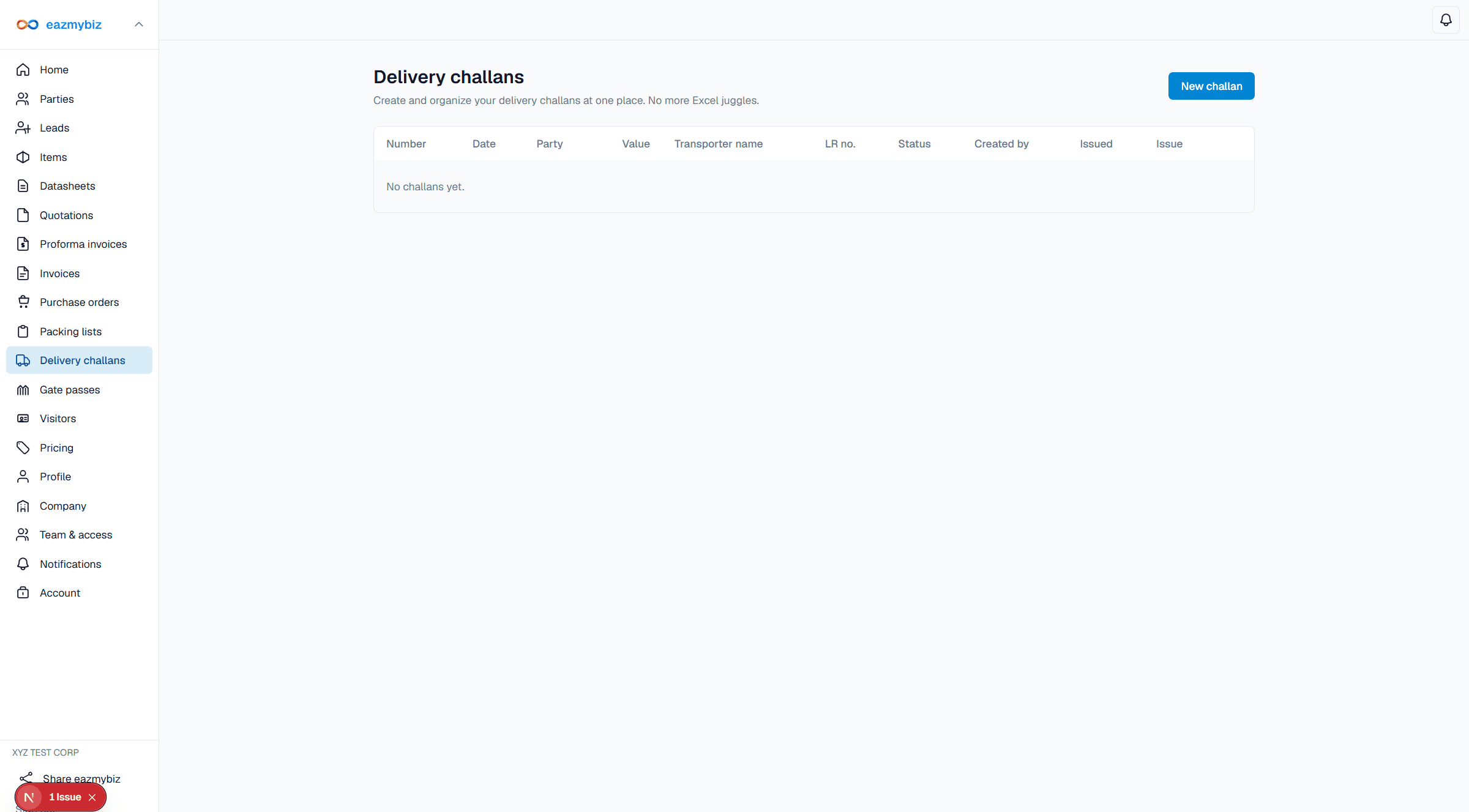
- Open Delivery challans → New challan.
- Enter Billing Address and Shipping Address (required). Load party when available. Add lines with HSN where needed.
- Add transporter / LR / vehicle fields if you use them on print. Click Save draft.
- On the detail screen use Print view, then Issue.