← Help centreGetting started & setup
Set up company profile
Logo, address, GSTIN, bank details, and print defaults.
4 min read
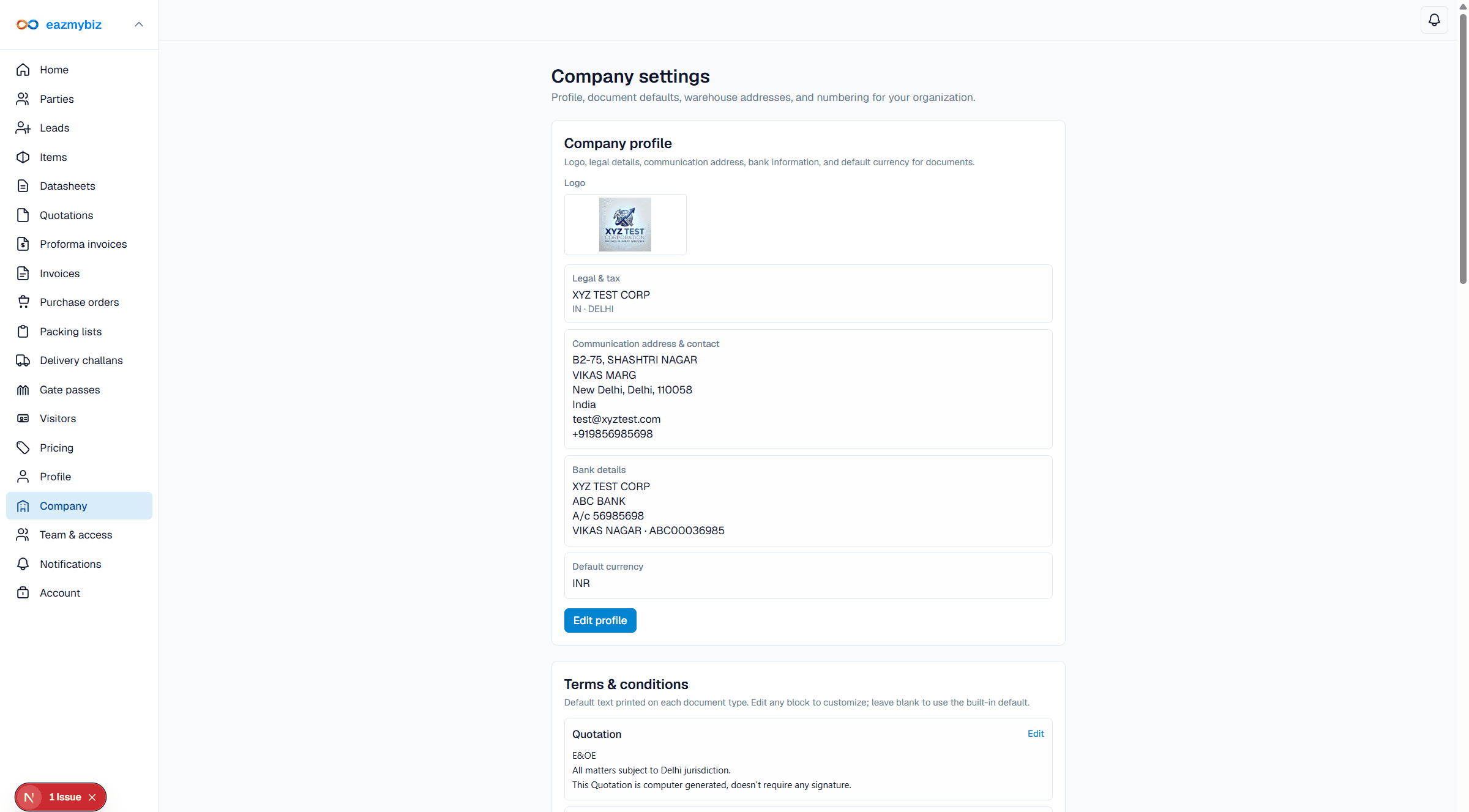
Company profile controls what appears on printed documents: logo, legal address, GSTIN (India), bank details, terms, and visitor-pass layout defaults.
Open company settings
- In the sidebar, open Company (
/settings/company). Account owners and company admins can manage this screen. - Under Company profile, click Edit profile. Fill legal & tax, communication address, bank details, and default currency as needed (India-first: GSTIN and state).
- Upload a company logo for headers on quotations, packing lists, challans, and passes. Click Save profile.
- Edit Terms & conditions per document type (Save terms). Add warehouse / shipping addresses if you use purchase orders.
- Set Document numbers (Save numbering) and Visitor pass printing (ID-1 card or A5 foldable badge).